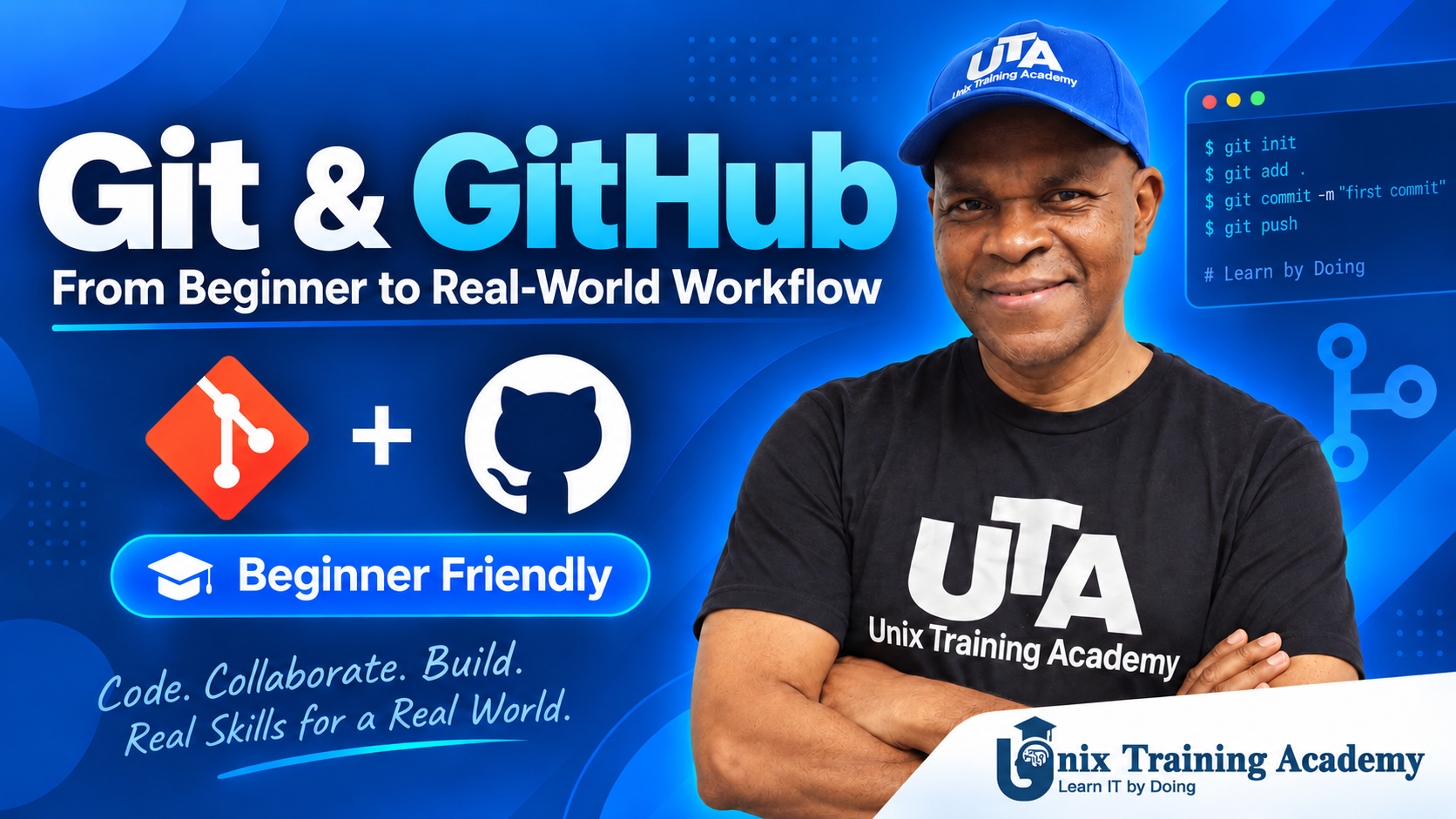
Git & GitHub: From Beginner to Real-World Workflow

Categories: DevOps
Wishlist Share

About Course

Learn Git and GitHub through a practical, real-world workflow built around the UTA Retail Corporation project.

This self-paced course takes you from version-control fundamentals through repositories, commits, change management, branching, merging, GitHub remote repositories, pull requests, collaboration, merge-conflict resolution, and a complete end-to-end Git and GitHub workflow.

Instead of memorizing isolated commands, you will see how Git is used in a real technical project and repeat the same workflows yourself through guided demonstrations and hands-on practice.

This course is designed for beginners, aspiring DevOps Engineers, Linux Administrators, Cloud Engineers, developers, career changers, and technical professionals who want practical Git and GitHub skills.

Unix Training Academy — We Learn IT by Doing.

Show More

Course Content

Module 1 — Understanding Version Control, Git and GitHub
In this module, you will learn the fundamentals of version control, understand what Git and GitHub are, compare their roles, and see how they fit into modern development and DevOps workflows.

  • Understanding Version Control, Git and GitHub
    00:00

Module 2 — Creating Your First Git Repository
In this module, you will move from Git concepts into hands-on work by turning the UTA Retail Corporation website into a real Git repository. You will initialize the repository, stage project files, create your first commit, and inspect the Git history.

Module 3 — Tracking and Managing Changes with Git
In this module, you will learn how Git detects, reviews, stages, commits, and restores changes after the initial repository has been created. You will follow the complete lifecycle of a basic Git change using the UTA Retail Corporation project.

Module 4 — Working with Git Branches
Learn why branches are used, how to create and switch branches, and how to work safely on new features without affecting the main project.

Module 5 — Merging Branches and Managing Development Workflows
Learn how to merge development work back into the main branch, review merged history, and manage a practical branching workflow.

Module 6 — Introduction to GitHub and Remote Repositories
Learn how GitHub works as a remote repository platform and how to connect your local Git repository to GitHub.

Module 7 — Pushing, Pulling and Cloning with GitHub
Learn how to push commits, pull remote changes, clone repositories, and keep local and remote repositories synchronized.

Module 8 — Pull Requests and Team Collaboration
Learn how teams collaborate through branches, pull requests, reviews, approvals, and merges in GitHub.

Module 9 — Resolving Merge Conflicts
Learn why merge conflicts occur, how to identify them, how to read conflict markers, and how to resolve conflicts safely.

Module 10 — Final Real-World Git & GitHub Capstone
Apply the complete Git and GitHub workflow in a final real-world capstone covering repositories, commits, branches, merging, GitHub collaboration, pull requests, and conflict resolution.

Student Ratings & Reviews

No Review Yet
No Review Yet